On this page
Every PDF to Markdown converter claims to keep your headings and tables. Few of them show numbers, and the ones that do usually test on their own favourite documents. So we built a test where the right answer is known in advance, ran four converters on it, and published everything, including the documents where our own converter did worst.
How we tested
We wrote 8 documents in Markdown and rendered each to PDF with the tools that make most PDFs on the web:
- Chrome (a two-column annual report, a product catalogue, a slide deck)
- LaTeX (a two-column research paper, a one-column user manual)
- LibreOffice from a Word document (a product data sheet, a Swedish brochure, a Swedish municipal report)
Each renderer added running headers, footers and page numbers, the way real documents have them. A ninth PDF is a scan of the data sheet with no text layer.
Because the Markdown source exists, every output can be checked against it. We scored six things, each from 0 to 100:
| Score | What it measures |
|---|---|
| Text | Are all the words there, without extra, missing or broken words? |
| Reading order | Do paragraphs, list items and headings come out in the right order? |
| Headings | Are headings written as Markdown headings? |
| Lists | Are list items written as Markdown list items? |
| Tables | Do table rows come out as Markdown rows with exactly the right cells? |
| Clean | Were running headers, footers and page numbers removed? |
We also counted tokens with the GPT-4o tokenizer and compared them with the source Markdown.
We tested Siteiz (the converter on this site), PyMuPDF4LLM 2.1, MarkItDown 0.1.7 and pdftotext from Poppler 24.02, all with default settings.
Results
Averages over the 8 text PDFs:
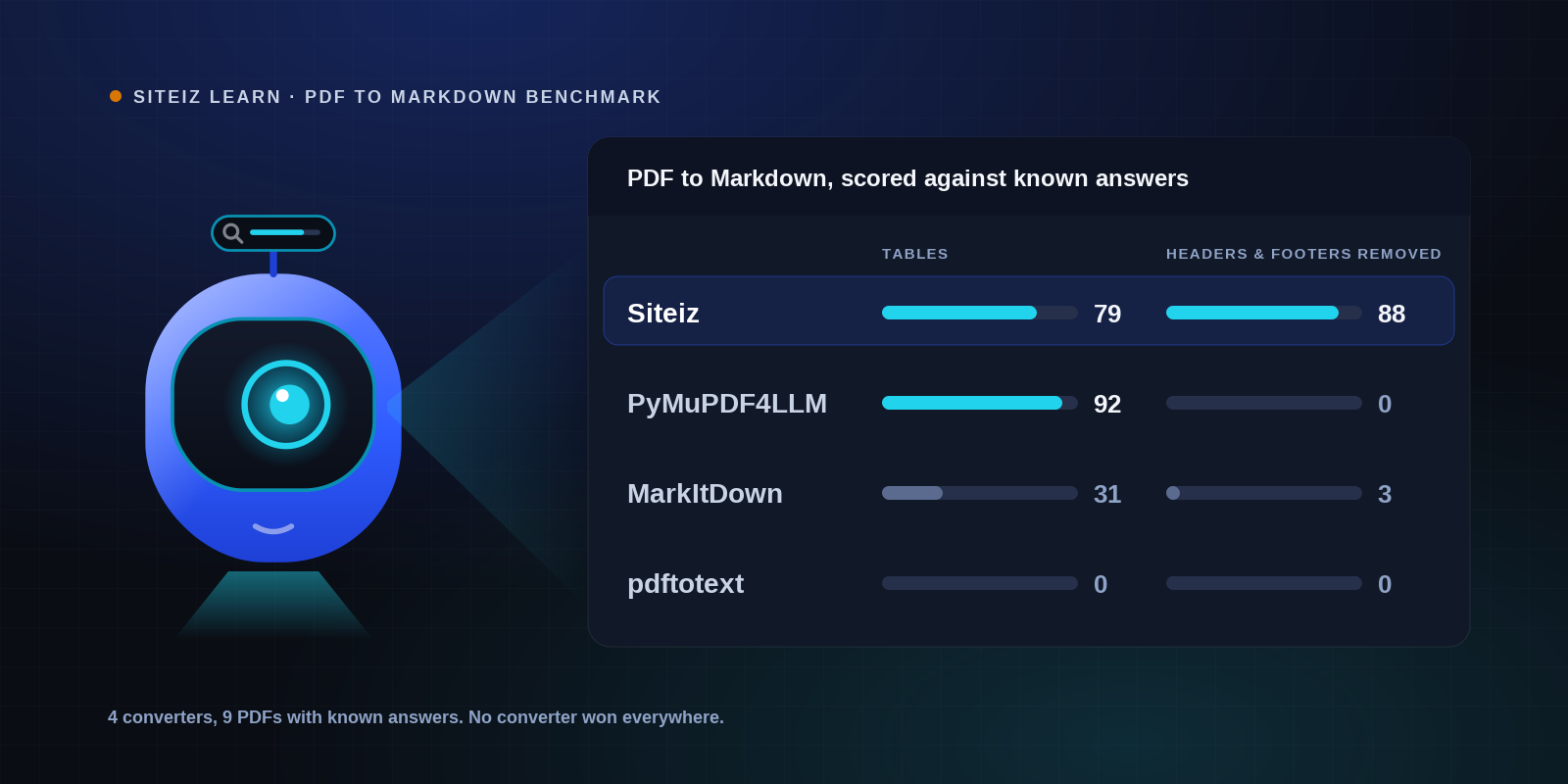
| Siteiz | PyMuPDF4LLM | MarkItDown | pdftotext | |
|---|---|---|---|---|
| Text | 99 | 97 | 91 | 96 |
| Reading order | 96 | 94 | 83 | 93 |
| Headings | 91 | 99 | 0 | 0 |
| Lists | 60 | 72 | 16 | 16 |
| Tables | 79 | 92 | 31 | 0 |
| Clean | 88 | 0 | 3 | 0 |
| Tokens vs. source | -2% | +12% | +54% | +7% |
| Scanned page, words found | 0 | 95 | 0 | 0 |
If you weigh the six scores equally, Siteiz averages 85 and PyMuPDF4LLM 76, followed by MarkItDown at 37 and pdftotext at 34. That ranking depends heavily on the clean score, where only Siteiz scores at all. On structure alone (headings, lists and tables), PyMuPDF4LLM leads with 88 against 77 for Siteiz.
On the three held-out documents, written after our fixes, the picture held: Siteiz averaged 88 and PyMuPDF4LLM 76. All the result files are in the download at the end of this article.
What we found
Page furniture is the blind spot
Three of the four tools left running headers, footers and page numbers in the text. In a slide deck, "Northwind Outdoor, confidential, slide 4" appeared between every slide. In a RAG pipeline that line ends up in almost every chunk and adds tokens to every answer.
Siteiz removes text that repeats in the page margin across pages, including footers where only the page number changes. It cannot do this on a one-page document, because nothing repeats. That is why its clean score is 88 and not 100.
Two columns still trip converters up
On the two-column annual report, Siteiz kept the reading order perfect (100). PyMuPDF4LLM scored 81 and MarkItDown 52, mixing lines from the left and right columns. The LaTeX research paper was the hardest document for everyone: Siteiz scored 65 on reading order there, PyMuPDF4LLM 68. It was also our weakest result overall, with half the headings and the table missed.
Text extractors are not Markdown converters
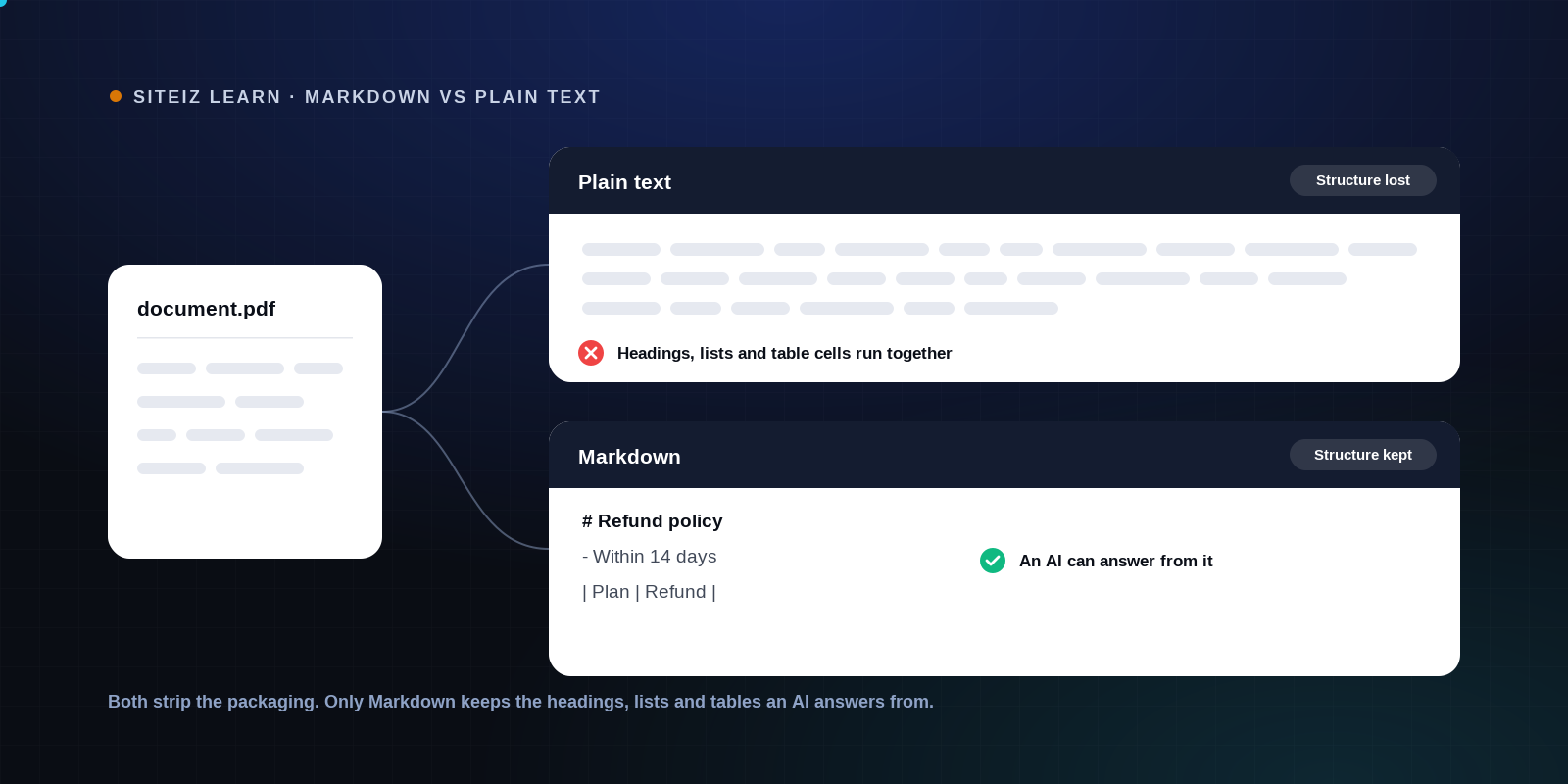
pdftotext does what it says: it extracts text, quickly and accurately. It writes no headings, lists or tables, so its structure scores are zero by design. MarkItDown also wrote no headings from any PDF. On the LaTeX documents it read justified paragraphs as tables, with one or two words per cell, which tripled the token count of the user manual.
Bullets drawn as shapes disappear
Chrome often draws list bullets as small shapes, not as text characters. Siteiz reads only the text layer, so on those pages the list items came out as one paragraph. PyMuPDF4LLM rebuilt the bullets in the catalogue. Neither rebuilt them in the slide deck.
Wrapped table cells are hard for everyone
The Swedish municipal report has a table where long labels wrap onto two lines ("Vattenförbrukning, liter per person och dygn"). Both Siteiz and PyMuPDF4LLM split those rows, and both scored 33 on that table.
Scans need OCR
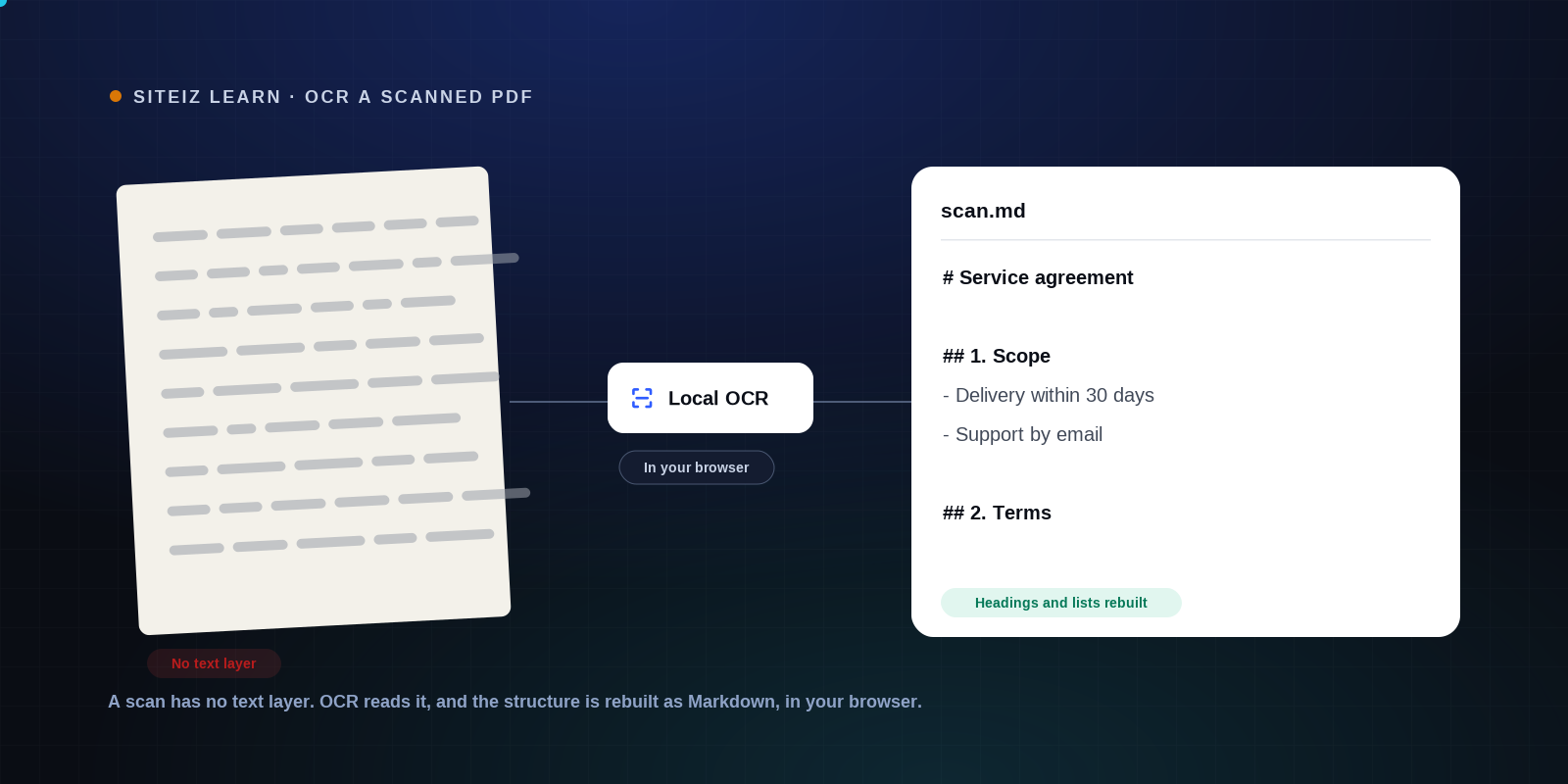
The scanned data sheet has no text layer. pdftotext, MarkItDown and the free Siteiz mode returned nothing. PyMuPDF4LLM found 95% of the words because it called an OCR engine (RapidOCR) that was installed on the test machine. Without one, it would also have returned nothing. Siteiz has OCR in its paid PDF Pro mode, which this test did not cover.
Which one should you use?
- Feeding documents to AI, or the file is confidential: Siteiz. It gives the cleanest, shortest Markdown, and it runs in your browser, so the PDF is never uploaded.
- Python pipeline with many tables or scanned pages: PyMuPDF4LLM. It rebuilt the most structure and can hand scanned pages to an OCR engine.
- Word, Excel or PowerPoint files: MarkItDown, where it reads the structure stored in the file. For PDFs, use something else.
- Plain searchable text, as fast as possible: pdftotext, at around a hundredth of a second per document.
Whatever you choose, open the output and read one page you know well before you index thousands of files. A converter that scrambles reading order does it silently.
Limits of this test
This is a small test: 9 PDFs, 4 tools, default settings. Our documents are clean digital PDFs, and real-world files can be messier. Docling and Marker were not tested because they download machine learning models on first use. They belong to a heavier class of converter and we plan to add them in the next round.
The test is meant to be repeated. Download the PDFs, the ground truth, every output and the scoring script and run it on your own converter.
What to do
The Siteiz PDF to Markdown converter is free for text PDFs and runs entirely in your browser. If the Markdown is going into a retrieval pipeline, read how to convert PDF to Markdown for RAG next, and for scanned files see how to OCR a scanned PDF into Markdown.
FAQ
Common questions
Short answers to what people ask most about this topic.
What is the best PDF to Markdown converter?
It depends on the PDF and where you run it. In our test, PyMuPDF4LLM rebuilt the most headings, lists and tables and was the only tool that read a scanned page, using an OCR engine installed on the test machine. Siteiz gave the cleanest output, with page furniture removed, the best reading order and the fewest tokens, and it runs in the browser without uploading the file.
Is MarkItDown good for PDFs?
MarkItDown is built to convert many formats, and for PDFs it mostly extracts text. In our test it wrote no Markdown headings from any PDF, and on LaTeX documents it turned normal paragraphs into tables with one word per cell. It works well for Word, Excel and PowerPoint files, where the structure is stored in the file.
Why are headers and footers a problem for AI?
A running header repeats on every page. In a RAG index it lands in the middle of paragraphs and in almost every chunk, so it adds tokens and noise to every retrieval. A page number in the middle of a sentence can also change how a model reads a figure.
Why did you test on generated PDFs instead of real ones?
To know the correct answer exactly. Each PDF was rendered from a Markdown file, so every heading, list item and table cell can be checked. Real PDFs have no answer key, and scoring them means judging by eye. The PDFs still come from real producers (Chrome, LaTeX and LibreOffice exporting Word documents), with the same quirks as PDFs you find online.
Why are Docling and Marker missing?
Both download machine learning models on first use, and our test environment could not reach the model host. They belong to a heavier class of tool that uses layout models and often a GPU. We plan to add them in the next round.