On this page
An audit gives you 40 fixes. Which one first?
Most tools sort fixes by how serious they are. That misses the question that decides whether a fix pays off: does anyone actually reach the page? A serious problem on a page nobody visits can wait. A small problem on your busiest page cannot.
Google Search Console already knows which pages people find. Put that next to your audit and the order sorts itself.
What you see
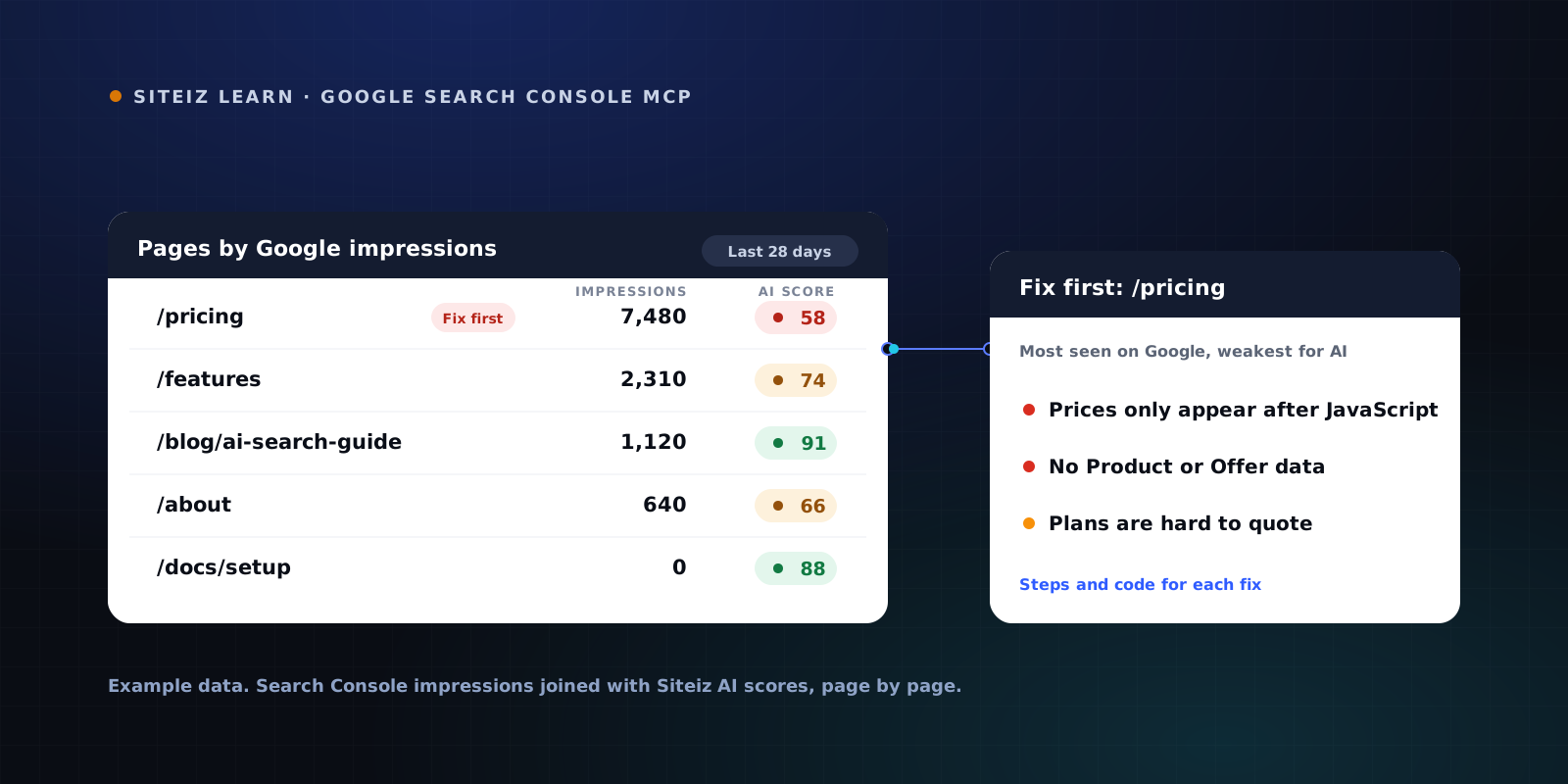
Once Search Console is connected, every page in your scan gets its Google numbers next to its AI score. Three things stand out:
- Your busiest pages, first. Pages are sorted by how often Google shows them. A page with lots of impressions and a weak AI score is marked Fix first.
- Pages Google ignores. Scanned pages with no impressions at all. They may not be indexed, which is worth checking before you polish them.
- Pages your scan missed. Busy pages that were not in the scan, so you know what to add next.
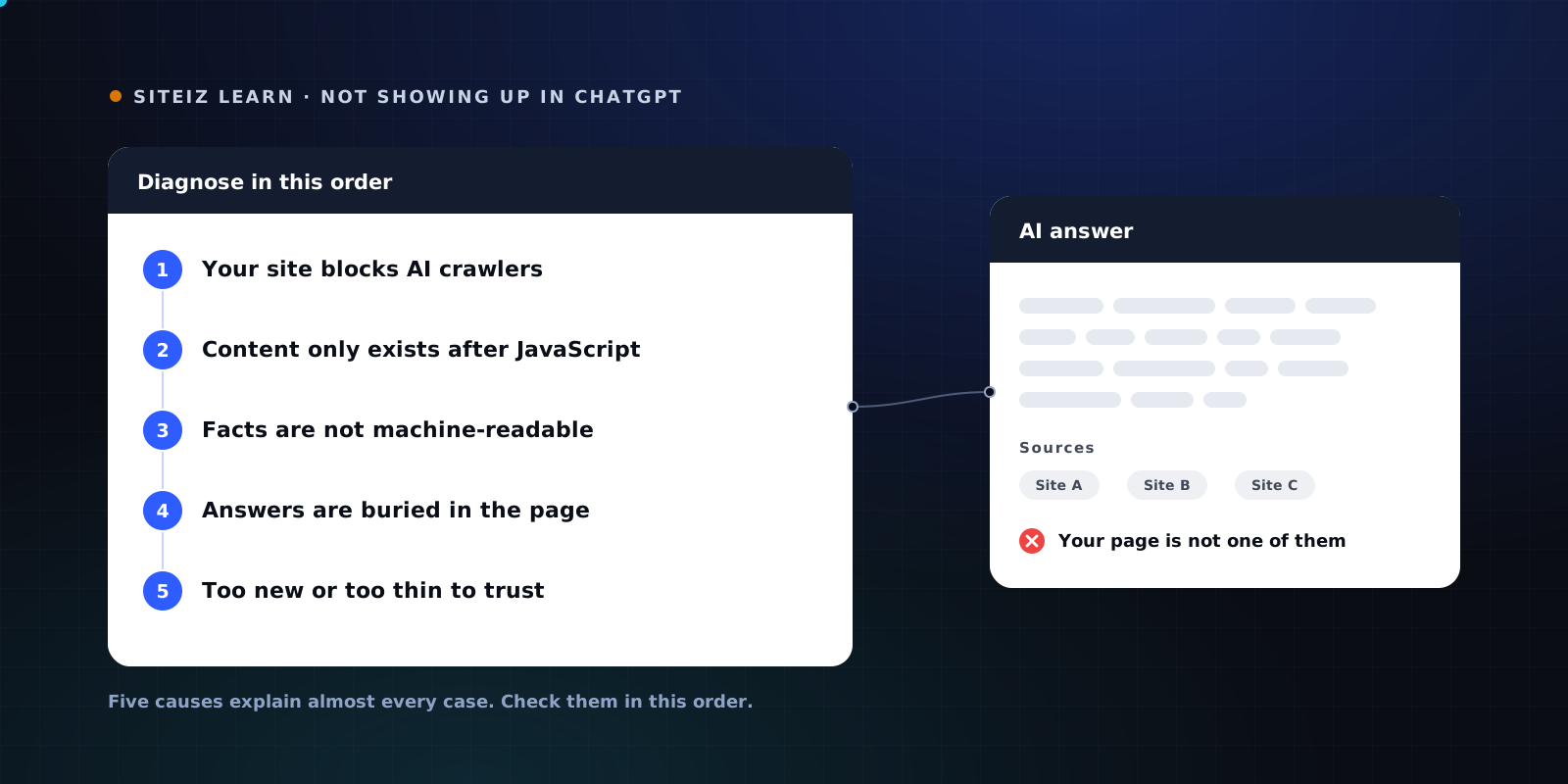
Why the busiest pages? They are the ones search engines already trust for a topic, so they are also where AI search is most likely to look for you. If those pages hide their facts behind JavaScript, AI answers quote someone else (here is why).
What we found on our own site
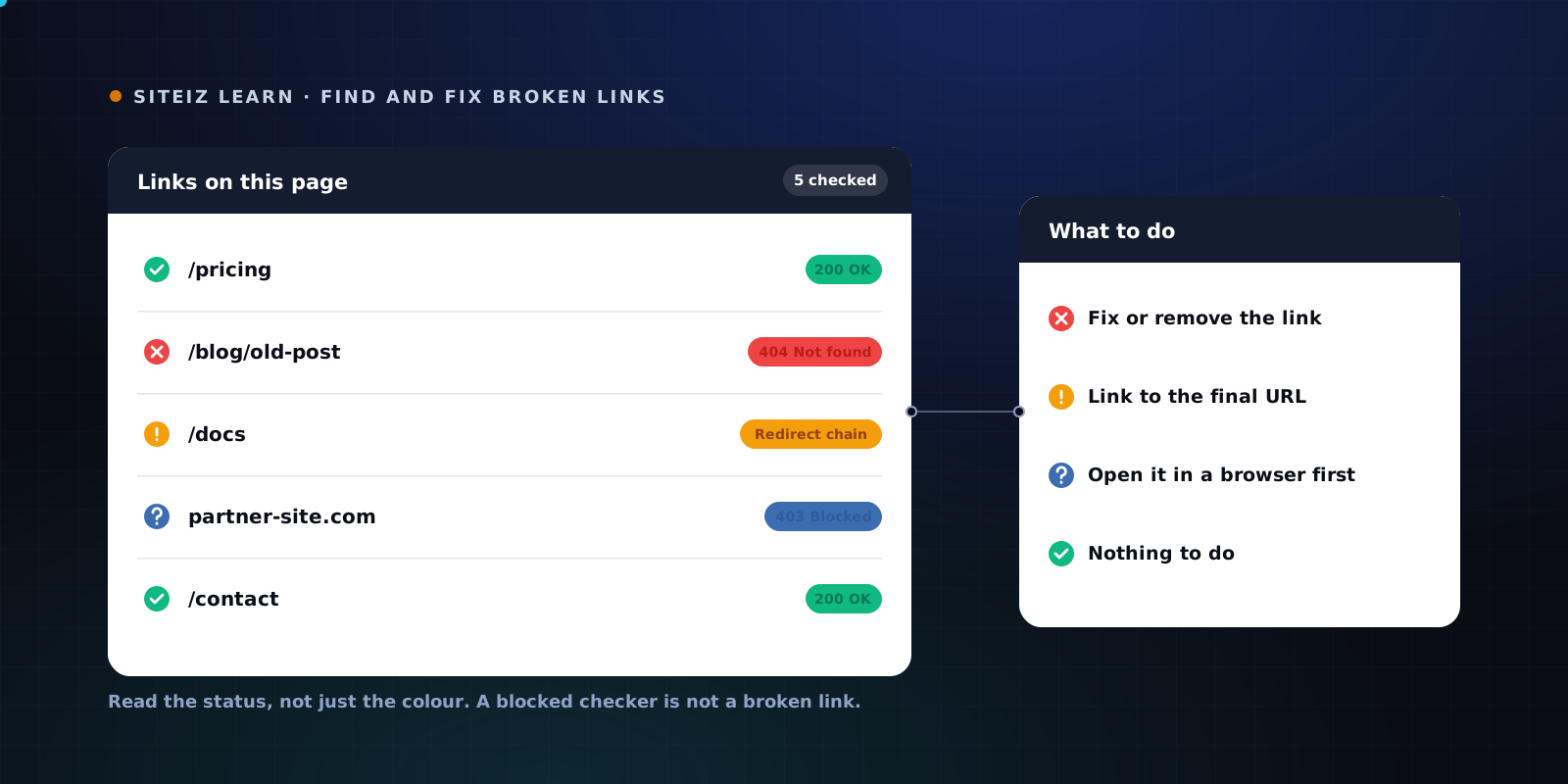
We connected siteiz.com first. One page, our free broken link checker, held about 96 percent of all Google impressions over 28 days. Every other page was small next to it.
That changed our plan on the spot. Without Search Console it was one row among fifty. Now it is the first thing we fix.
How to set it up
- Open your site in the Siteiz dashboard and go to the Search Console tab.
- Click Connect Search Console and sign in with the Google account that has your site.
- That is it. Siteiz matches your site to its Search Console property and ranks your pages.
Access is read-only. Siteiz cannot change anything in your Search Console, and Disconnect removes the access and deletes the stored numbers. Our privacy policy lists exactly what is read and kept. The full list is part of Pro; the Free plan shows your top three pages.
Prefer to ask in chat?
The same data works in Claude Code, Cursor or any MCP client through the Siteiz MCP server. Create an API key in the dashboard, add the server once, then ask things like "Which of my pages get Google traffic but fail the AI checks?" or "Is my pricing page indexed?"
claude mcp add --transport http siteiz https://siteiz.com/mcp \
  --header "Authorization: Bearer YOUR_SITEIZ_KEY"
Doing it by hand instead
You can get most of this with a spreadsheet:
- In Search Console, open Performance, choose the last 28 days and the Pages tab, and export it.
- Export your audit results per page.
- Make the URLs match: drop
www., the trailing slash andhttpversushttps. - Join the two sheets on the URL and sort by impressions.
- Fix the rows with the most impressions and the weakest scores first.
- For pages with zero impressions, run URL inspection in Search Console to see if they are indexed.
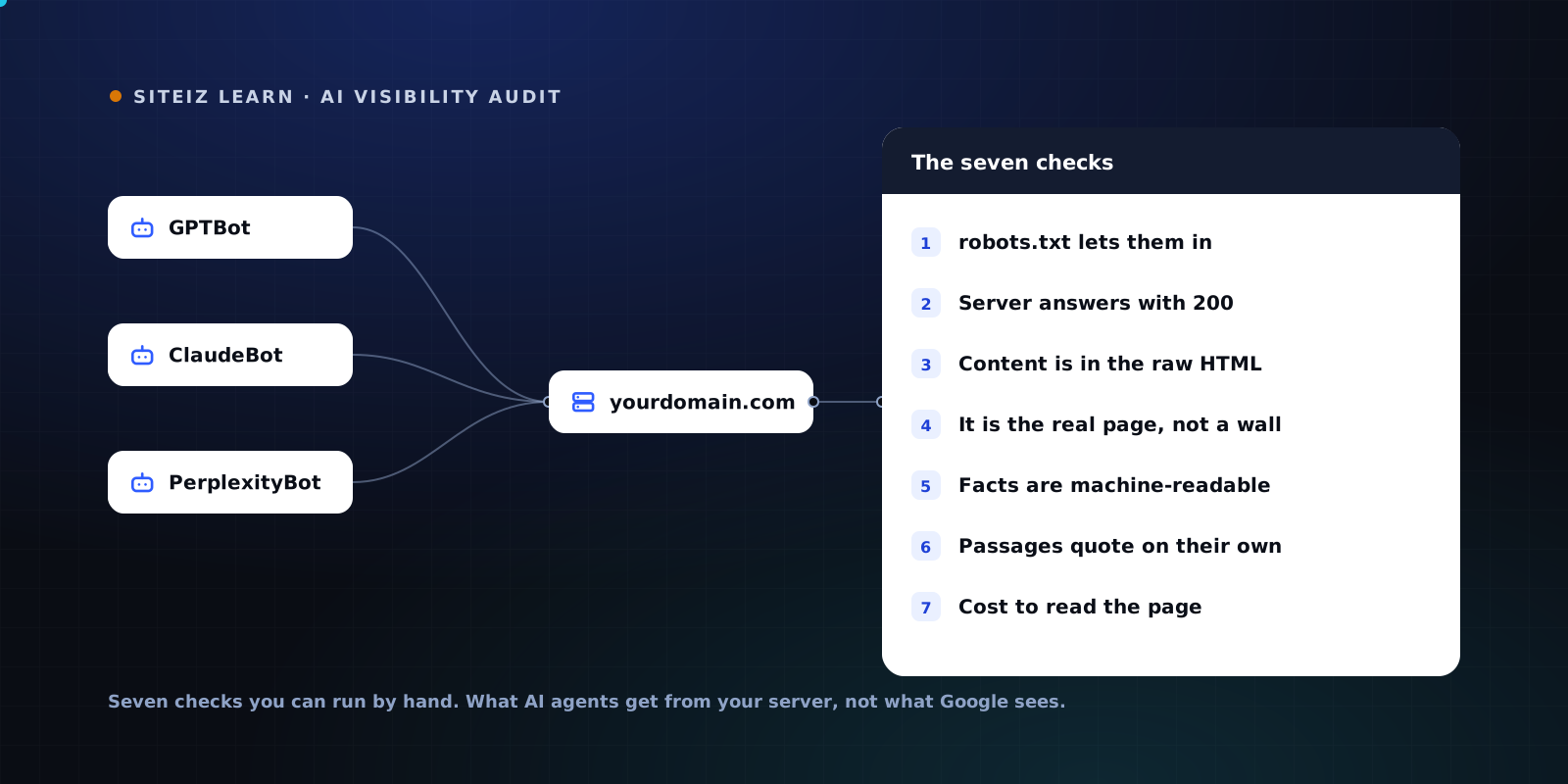
For the checks behind an AI score, the AI visibility audit walks through all seven by hand.
To see how AI crawlers read your most important page today, run the free AI visibility scan.
FAQ
Common questions
Short answers to what people ask most about this topic.
Is there an official Google Search Console MCP server?
No. As of November 2026 Google publishes an official MCP server for Google Analytics but not for Search Console. Every Search Console MCP server is third-party code that calls Google's public Search Console API, so check which permission it asks for before you connect it.
Which Google permission does Siteiz ask for?
Read-only Search Console access and your Google account's email address. Siteiz can read clicks, impressions, positions and index status. It cannot change anything in Search Console, and disconnecting deletes the stored data.
Why does a scanned page show no Google impressions?
Either nobody searched for anything it ranks for in the period, or Google has not indexed it. Check it with URL inspection in Search Console. If it is not indexed, link to it from a page Google already knows, then request indexing.
Can I use my Search Console data in Claude Code or Cursor?
Yes, on Siteiz Pro. Create an API key in the dashboard, add the Siteiz MCP server with that key, and ask in plain language which pages to fix first.