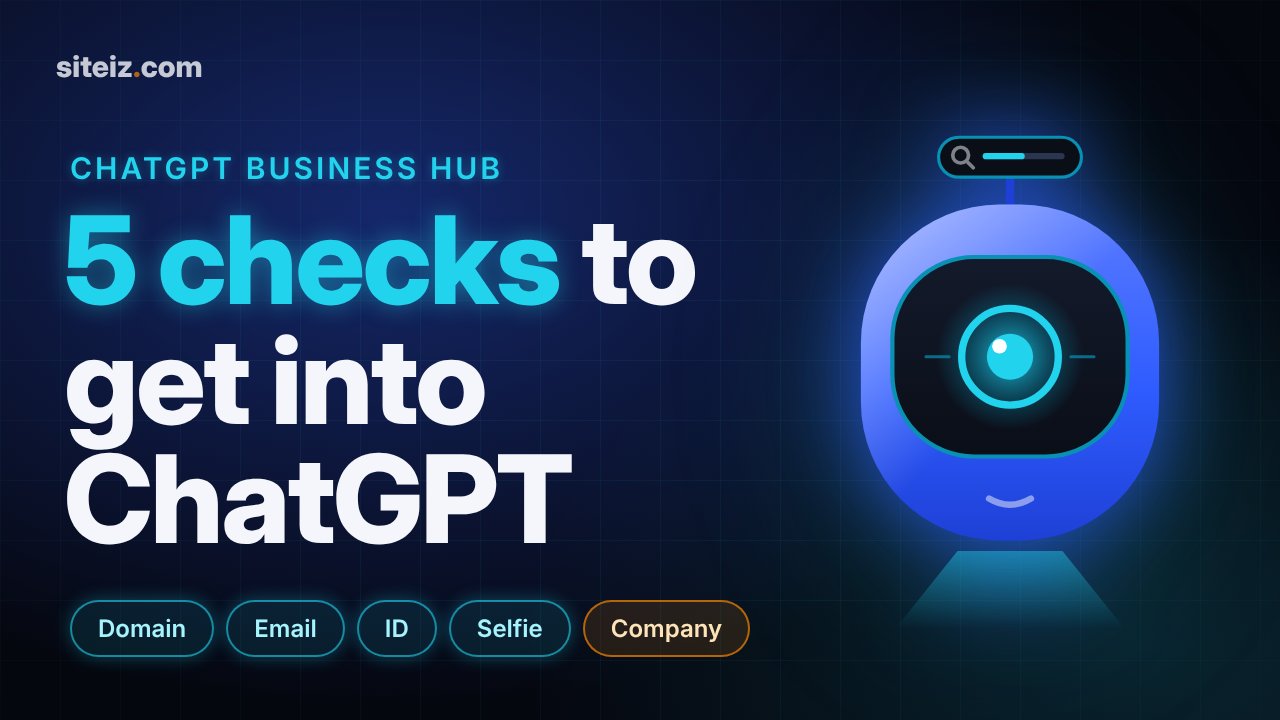
Watch: ChatGPT Business Hub: 5 Checks to Get Your Business Listed (2:36). The key points of this guide, explained on video.
On this page
OpenAI launched Businesses in ChatGPT in beta on November 10, 2026. The entry point is Business Hub: a place to claim or create your company's profile in ChatGPT, verify it and see how often ChatGPT mentions you.
News coverage calls it "claim your profile in minutes". We set up a real business, Siteiz, to see what it actually takes. The short version: the form takes ten minutes. Getting live takes five separate checks, and the last one stops most solo founders.
What Business Hub is
Business Hub works like a business profile for AI answers. You give ChatGPT verified facts about your company, and it shows you how people find you there.
| Feature | What it does | Who gets it |
|---|---|---|
| Business profile | Name, website, category, description, contact, delivery and return policy | Eligible businesses wherever ChatGPT is available |
| Product feeds | Products with pricing and availability | Eligible businesses (Shopify stores connect directly) |
| Insights | Mentions, website clicks and top discovery topics, last 7 or 28 days | Everyone with a claimed profile |
| Business Agent | A chat agent that answers questions about your offer inside ChatGPT | Eligible ecommerce and online service businesses in the US |
Business Hub and Business Agents are free at launch. OpenAI says businesses see aggregated numbers only, not individual conversations.
How to get your business into ChatGPT, step by step
Open chatgpt.com/business-hub and sign in. Use the account you want tied to the business, because the profile and its verification belong to that account.
- Search for your business. Continuing means you accept OpenAI's Businesses in ChatGPT Terms.
- Claim it or create it. Results come from a map-style index with street addresses. Siteiz is an online tool with no shop, so it was not listed. The option was Create, not claim.
- Choose how customers reach you: at a physical location, or through a website.
- Add your website URL. A live preview of your profile appears next to the form.
- Verify your domain. ChatGPT gives you a DNS TXT record to add at your domain provider. The token expires after 24 hours. Our record on Cloudflare verified on the first try.
- Pick a category and describe the business. The category list is searchable. The description is optional, limited to 300 characters, and ChatGPT uses it in conversations. Write it as plain facts: what you do, for whom, what is free and what is paid.
- Add contact details. Phone and email are both optional. The phone field defaults to +1, so change the country first. An email triggers a six-digit verification code.
- Set delivery and return policy. Both are required. Pick what matches your actual terms, since this text appears on your public profile.
- Submit. The profile is saved as a draft.
One beta note: our first attempt to save the category failed with "Something went wrong". Retrying worked, and nothing was lost.
The five checks between draft and live
After you submit, the overview shows your profile with a Draft label and one requirement: verify your identity with a government-issued ID. You need it before you can edit the business info or publish a Business Agent.
In our walkthrough, the full set of checks was:
| Check | How it works |
|---|---|
| Domain | DNS TXT record on your domain |
| Six-digit code sent to the contact email | |
| Identity | Photo of a government-issued ID, such as a driver's license |
| Liveness | A short live video selfie to match the ID |
| Business | Proof that the business is registered |
The last check is where an unregistered side project stops. If your product runs on your own name without a registered company, the profile stays a draft. Nothing is lost: the checks you passed stay passed, and you finish when the registration exists.
Use real documents only. The business proof has to match the profile, and a mismatch is harder to fix than a draft that waits.
Three things that do not fit yet
The form is built for shops. Every profile must state a delivery policy and a return policy. For software and services, "We don't offer delivery" and "Returns not accepted" are the closest fit. Check that the return option matches your own terms, including any refund rules your customers have by law.
Online-only businesses start from zero. The search index is location-first. If you have no storefront, there is no listing to claim, so you create one.
Agents are US only. Outside the US you get the profile and the insights. The agent card shows up in the dashboard, but you cannot publish an agent yet.
What the insights show
The dashboard has two tabs, Brand insights and Agent insights, with a 7-day or 28-day range. Brand insights track three things:
- Mentions: how often ChatGPT names your business in answers, per day (UTC).
- Website clicks: how many people click through to your site.
- Top 5 discovery topics: what people were asking about when they found you.
On day zero every number reads "Unavailable". The data builds up over the following days.
These numbers tell you that ChatGPT mentions you. They do not tell you why it does or does not.
What it means for your website
- Claim or create your profile. It is free, and verified facts beat guesses.
- Match the profile to your site. Use the same name, category words and offer as your homepage, so both sources agree.
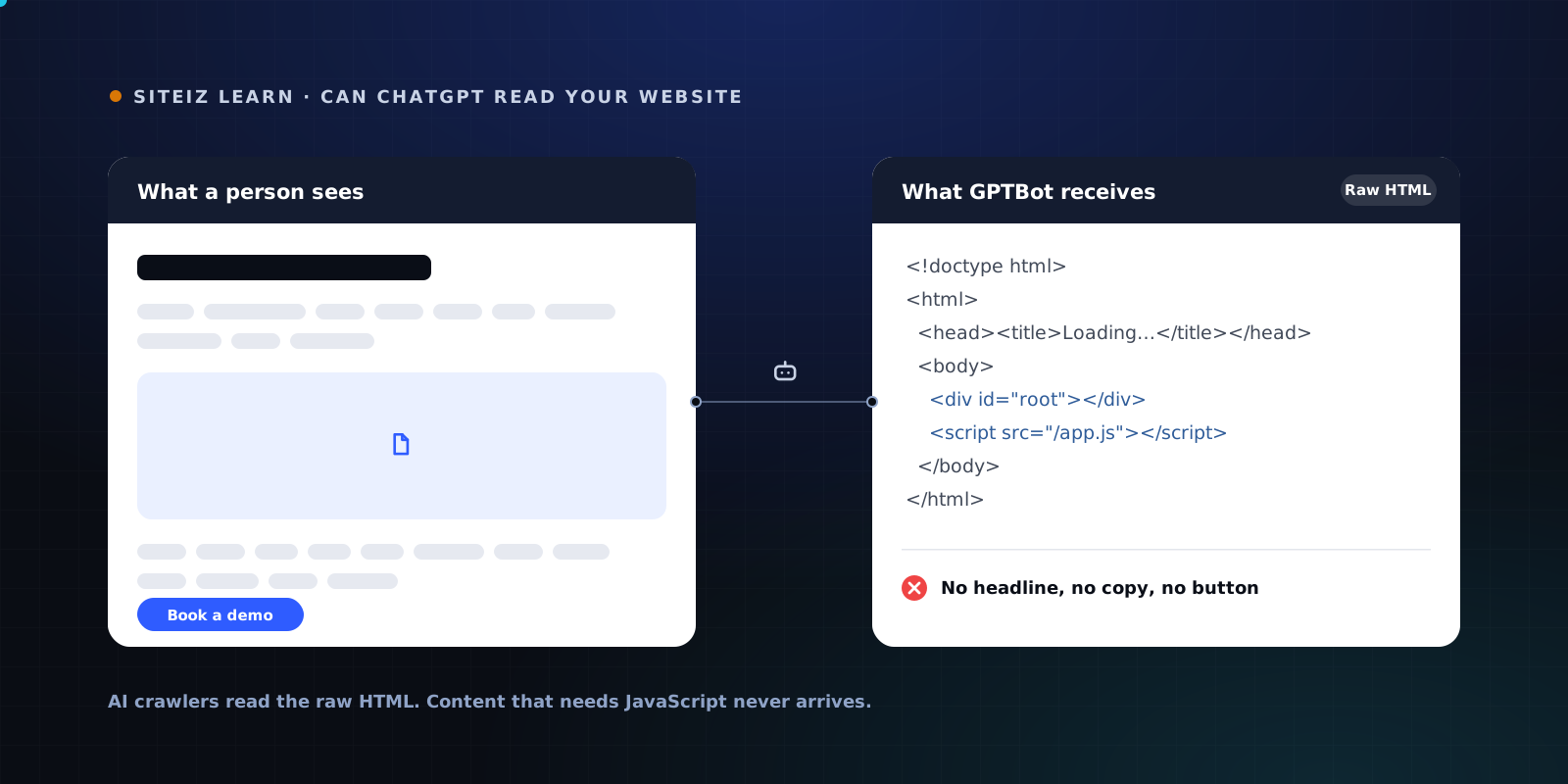
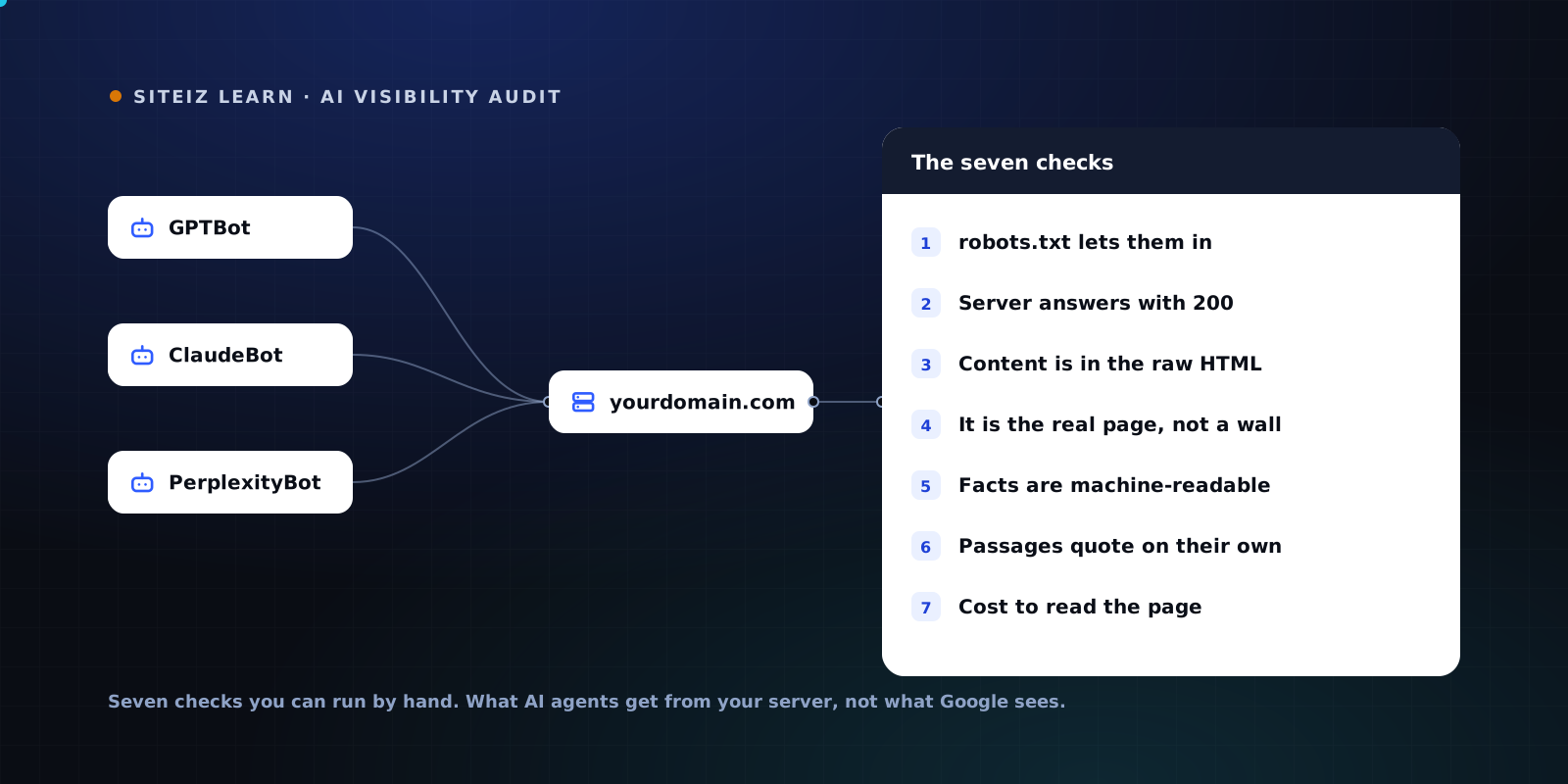
- Check what ChatGPT can read. OpenAI's crawlers do not run JavaScript. If your main text is built in the browser, ChatGPT gets an empty page. Our guide on whether ChatGPT can read your website shows how to test it.
- Watch mentions next to your fixes. When you fix what crawlers miss, the mentions chart is where you see whether it worked.
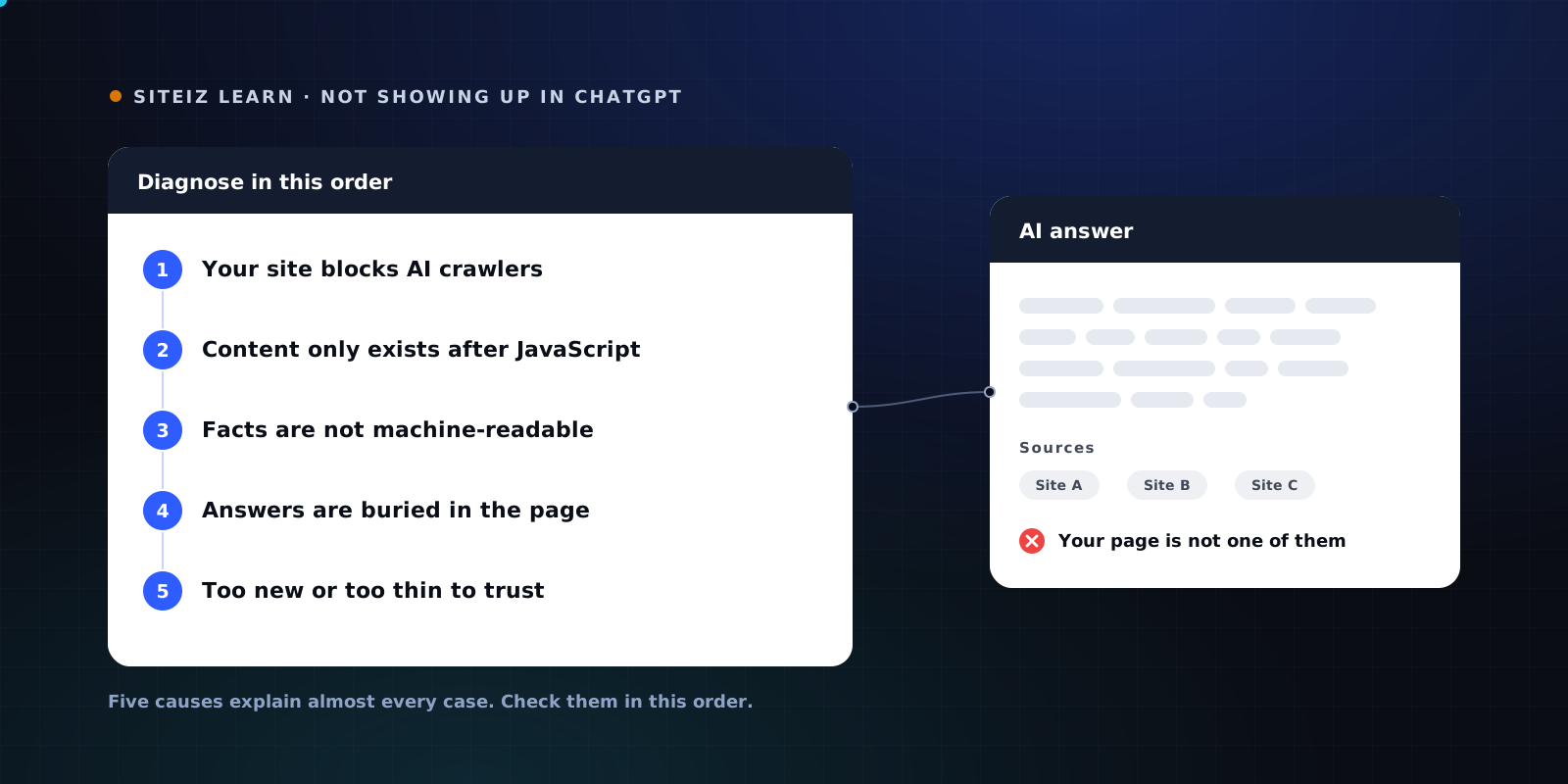
If ChatGPT still does not mention you, start with why your website isn't showing up in ChatGPT.
See what ChatGPT's crawler gets from your page with the free Siteiz scan.
FAQ
Common questions
Short answers to what people ask most about this topic.
What is ChatGPT Business Hub?
Business Hub is where a company claims or creates its profile in ChatGPT, verifies it, keeps its details up to date and sees aggregated insights such as mentions and website clicks. OpenAI launched it in beta on November 10, 2026 as part of Businesses in ChatGPT.
Is ChatGPT Business Hub free?
Yes. OpenAI says Business Hub and Business Agents are free at launch. After you create a profile, ChatGPT offers advertising credit and a paid ChatGPT Business plan, but neither is required.
Can businesses outside the US use Business Hub?
Yes. Business Hub is open to eligible businesses in every market where ChatGPT is available. Business Agents, the conversational part, are limited to eligible ecommerce and online service businesses in the United States for now.
What do I need to verify my business in ChatGPT?
In our walkthrough, ChatGPT asked for a DNS TXT record on the domain, a code sent to the contact email, a government-issued ID, a live video selfie and proof of business registration. The profile stays a draft until all checks pass.
Can I list a side project without a registered company?
You can create the profile and pass the domain, email and identity checks. In our test, publishing also required proof of business registration, so an unregistered side project stays a draft.
Does a Business Hub profile make ChatGPT recommend my business?
Not by itself. The profile gives ChatGPT verified facts about you, such as your website, category and description. Whether ChatGPT mentions you in answers still depends on what it can find and read about you, starting with your own website.